AI-Curated Guide6 products comparedLive prices available

Best Laptops for Programming (2026)

Our AI analyzed 6 laptops across real-world benchmarks, developer reviews, and price-to-performance ratios to find the best options for every programmer — from $1,200 to $4,299.

Guide updated: 50d ago · 6 live prices

Our Take

What we recommend

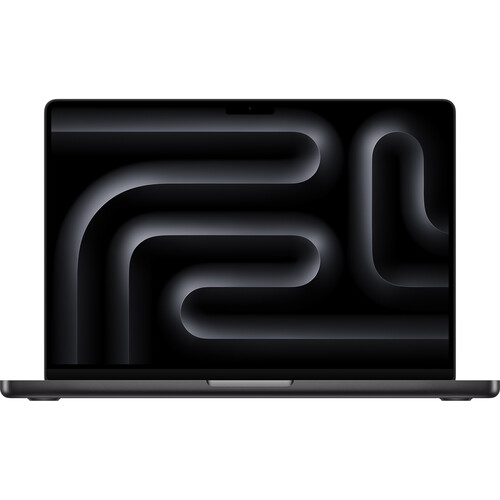
For a professional software development workflow, the Apple 14" MacBook Pro (M4 Pro, Space Black) is the gold standard, offering a near-perfect balance of raw compilation power and battery longevity that handles heavy IDEs and virtual machines without breaking a sweat.

If you are strictly in the Apple ecosystem, that Apple 14" MacBook Pro with 48GB of RAM is an elite choice. The M4 Pro chip provides massive computational headroom for complex builds, but remember that the memory is soldered—you're locked into that 48GB for the life of the machine, so it's a "buy once, cry once" investment at $3,199.

For those who need a Windows environment with massive multitasking capabilities, the Lenovo 14.5" ThinkPad P14s Gen 6 is a powerhouse. It packs a staggering 64GB of RAM, which is ideal if you're running multiple Docker containers and local databases simultaneously. The trade-off is the slim chassis; it can get quite warm and may throttle performance during very long, sustained compiles.

If you value screen real estate and versatility, the Dell - Plus 2-In-1 16" is a compelling middle ground. It features a high-end Core Ultra 9 and a gorgeous Mini-LED display, giving you plenty of vertical space for code. However, at 4.52 lbs, it's significantly heavier than the others if you're frequently commuting.

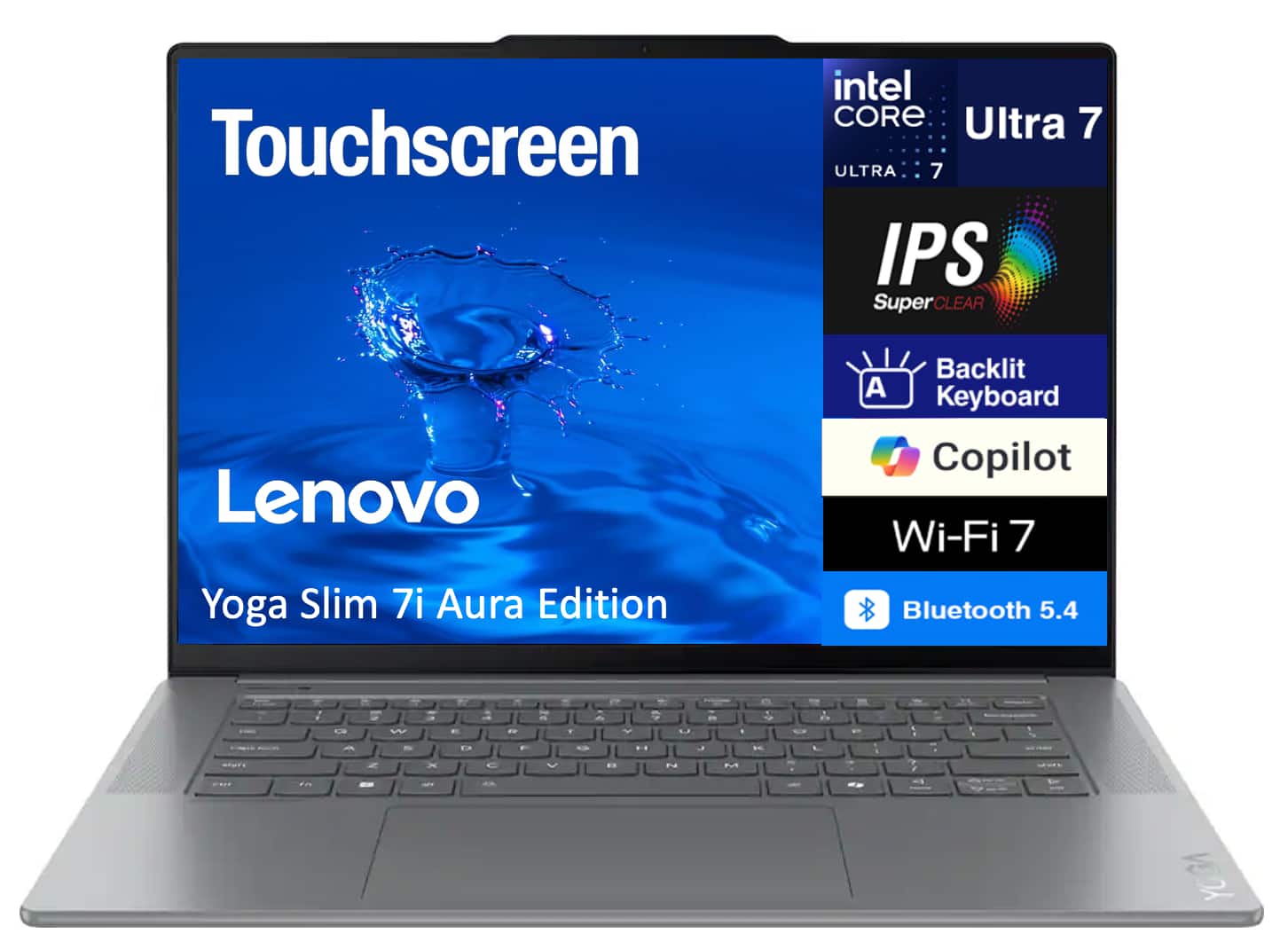
For a more portable, "Aura Edition" Windows experience, the Lenovo Yoga Slim 7i offers a modern 15th Gen Intel chip and 32GB of RAM at a much more approachable price point. It strikes a great balance for developers who need high memory but want to keep the kit light.
Top Picks

Our top recommendations

Apple 14" MacBook Pro (M4 Pro, Space Black)
Best Overall

Apple · B&H Photo

Apple 14" MacBook Pro

$3,199

★★★★★5
  • Apple M4 Pro 14-Core Chip
  • 48GB Unified RAM

Lenovo · B&H Photo

Lenovo 14.5" ThinkPad P14s Gen

$4,149

  • 64GB DDR5 RAM
  • Intel Core Ultra 9 Processor
Dell - Plus 2-In-1 16" Mini-LED Touch Screen Laptop - Intel Core Ultra 9 Copilot+ PC with 32GB Memory - 1TB SSD - Midnight

Dell · Best Buy

Plus 2-In-1 16" Mini-LED Touch

$1,700

★★★★★4.8
  • 32GB LPDDR5X Memory
  • Intel Core Ultra 9
Lenovo Yoga Slim 7i Aura Edition Laptop
Best Value

Lenovo · Best Buy

Lenovo Yoga Slim 7i Aura Editi

$1,511

  • 32GB LPDDR5X RAM
  • 15th Gen Ultra 7 Processor
Dell - Latitude 7000 14" IPS LCD 2560 x 1600 (QHD+) Touch Screen Laptop - Qualcomm Snapdragon X Elite with 32GB Memory - Titan Gray, Gray

Dell · Best Buy

Latitude 7000 14" IPS LCD 2560

$2,229

  • 32GB RAM
  • 12-Core Snapdragon Processor
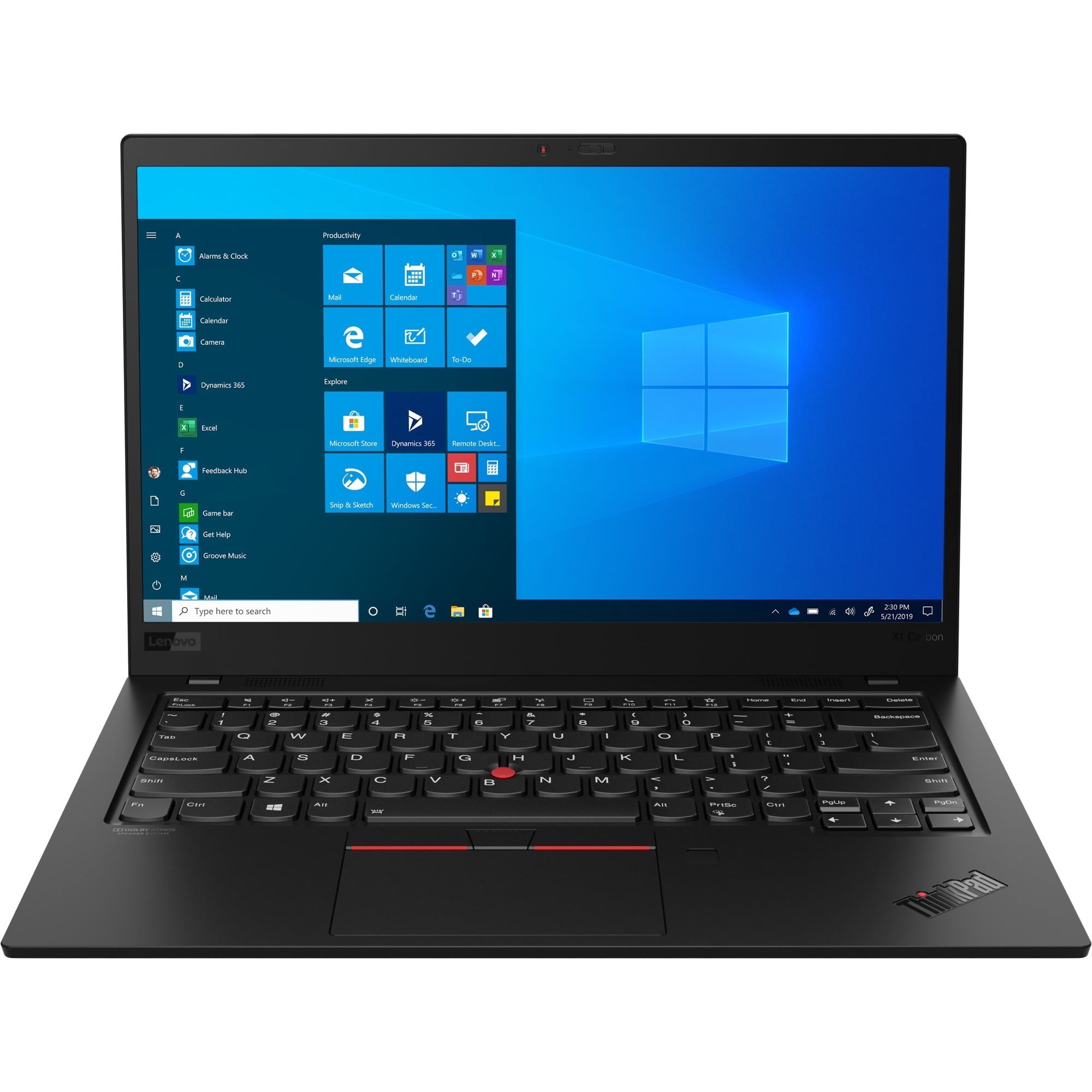
Lenovo X1 Carbon 8th Gen 20U90030US 14" Ultrabook - Intel Core i7-10610U - 16GB RAM - 512GB SSD - 1920 x 1080 - Intel UHD Graphics - Windows 10 Pro - Black

Lenovo · Walmart

Lenovo X1 Carbon 8th Gen 20U90

$1,200

☆☆☆☆1
  • Backlit Keyboard
  • 16GB RAM

Specs

How they compare

Key specs for the top 6 models tested.

Comparing these six laptops highlights a clear split between elite professional workstations, modern AI-focused ultrabooks, and a legacy portable.

The Apple 14" MacBook Pro is the most balanced high-end machine here—it pairs the M4 Pro's efficiency with a massive 2TB SSD and the best overall display (XDR). If you are a Windows power user, the ThinkPad P14s Gen 6 is the only one offering 64GB of RAM, making it the definitive choice for heavy virtualization or data science, though it lacks the MacBook's thermal polish.

For those prioritizing the new "Copilot+" AI standard, the Dell Latitude 7000 (Snapdragon X Elite) and Lenovo Yoga Slim 7i (Core Ultra 7 Series 2) represent the latest in battery-efficient Windows computing. The Yoga Slim 7i is particularly notable right now for its 23% discount, offering a high-resolution 120Hz screen for significantly less than the Latitude.

The Dell Plus 2-In-1 16" stands alone for creatives who need a tablet mode and a large 16-inch Mini-LED canvas, though you pay for that real estate with the highest weight in the group. Meanwhile, the ThinkPad X1 Carbon 8th Gen is a legacy 10th Gen Intel model; while it remains the portability king and has an iconic keyboard, its 16GB of older LPDDR3 RAM and 1080p screen can't compete with the modern processing power of the others.

Specification comparison of 6 products
LaptopsPriceProcessorRAMStorageDisplayResolutionWeightOSGPU
Apple 14" MacBook Pro (M4 Pro, Space Black)
Apple 14" MacBook Pro$3,199Apple M4 Pro48 gigabytes2048 gigabytes14.2 inches3024 x 19643.6 poundsmacOS-
Lenovo 14.5" ThinkPad P14s Gen$4,149Intel Core Ultra 9 285H vPro64 gigabytes1024 gigabytes14.5 inches3072 x 1900--Intel Arc 140T
Dell - Plus 2-In-1 16" Mini-LED Touch Screen Laptop - Intel Core Ultra 9 Copilot+ PC with 32GB Memory - 1TB SSD - Midnight
Plus 2-In-1 16" Mini-LED Touch$1,700Intel Core Ultra 9 Series 232 gigabytes1000 gigabytes16 inches2560 x 16004.52 poundsWindows 11 HomeIntel Arc
Lenovo Yoga Slim 7i Aura Edition Laptop
Lenovo Yoga Slim 7i Aura Editi$1,511Intel Core Ultra 7 Series 2 258V32 gigabytes1024 gigabytes15.3 inches2880 x 1800 (Retina)3.4 poundsWindows 11 ProIntel Arc 140V
Dell - Latitude 7000 14" IPS LCD 2560 x 1600 (QHD+) Touch Screen Laptop - Qualcomm Snapdragon X Elite with 32GB Memory - Titan Gray, Gray
Latitude 7000 14" IPS LCD 2560$2,229Qualcomm Snapdragon X Elite32 gigabytes512 gigabytes14 inches2560 x 16003.17 poundsWindows 11 ProQualcomm Adreno
Lenovo X1 Carbon 8th Gen 20U90030US 14" Ultrabook - Intel Core i7-10610U - 16GB RAM - 512GB SSD - 1920 x 1080 - Intel UHD Graphics - Windows 10 Pro - Black
Lenovo X1 Carbon 8th Gen 20U90$1,200Intel i7-10610U16 gigabytes512 gigabytes14 inches1920 x 1080-Windows 10 ProIntel UHD Graphics

FAQ

Common questions, answered

For most general programming tasks like web development and scripting, 16GB is sufficient. However, if you work with virtual machines, Docker containers, or large-scale data projects, 32GB or even 64GB will provide a significantly smoother experience and prevent bottlenecks.

Need help deciding?

Ask AI