AI-Curated Guide6 products comparedLive prices available

Best Laptops for Video Editing (2026)

Our AI analyzed 6 laptops across real-world benchmarks, creator reviews, and price-to-performance ratios to find the best options for every video editor — from $2,160 to $6,295.

Guide updated: 50d ago · 6 live prices

Our Take

What we recommend

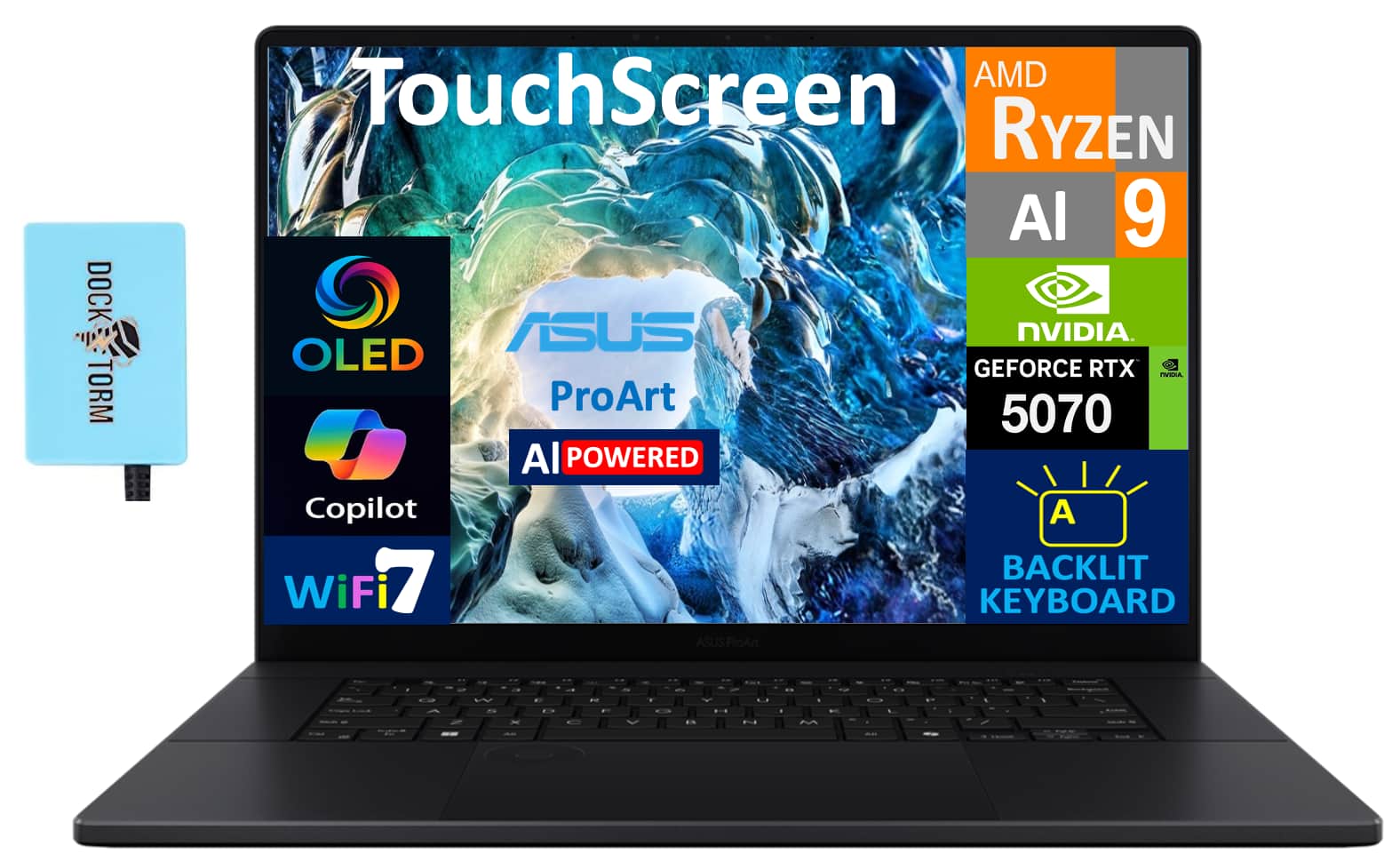
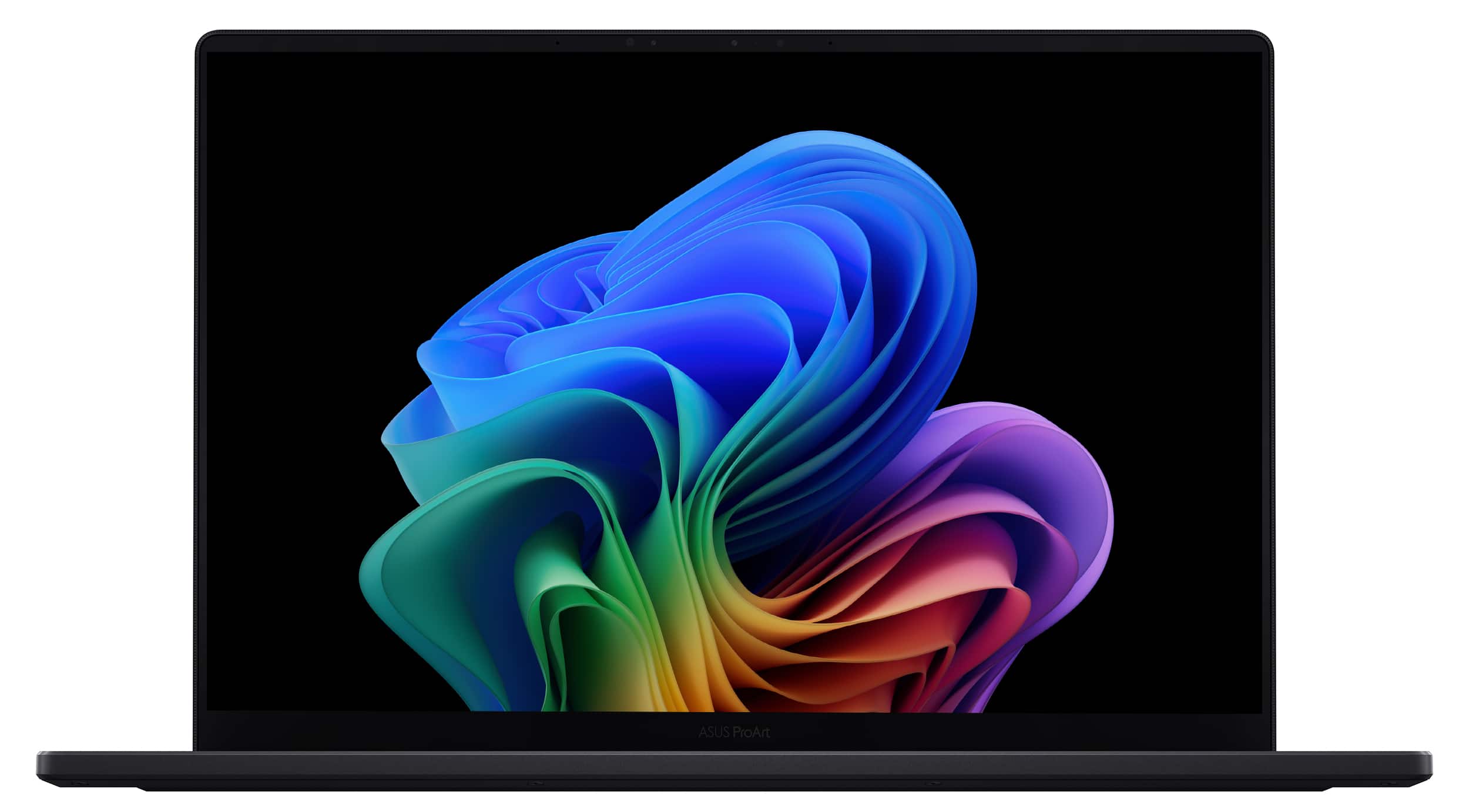
For high-end video editing, the ASUS ProArt P16 is the most balanced studio machine, offering a massive 64GB of RAM and a dedicated creative DialPad that streamlines your timeline workflow.

It's specifically built for creators who need a color-accurate 4K OLED touchscreen without the "gamer" aesthetic. While the battery is rated for long life, expect it to drop by about 40% when you're actually rendering 4K video, so keep your charger handy for heavy sessions.

If your work involves heavy 3D effects or 8K footage, the MSI Titan 18 HX is a literal powerhouse. With an RTX 5090 and 24GB of VRAM, it's a desktop replacement in every sense—including the 16 lb weight. It is "luggable" rather than portable, but nothing else on this list touches its raw rendering speed.

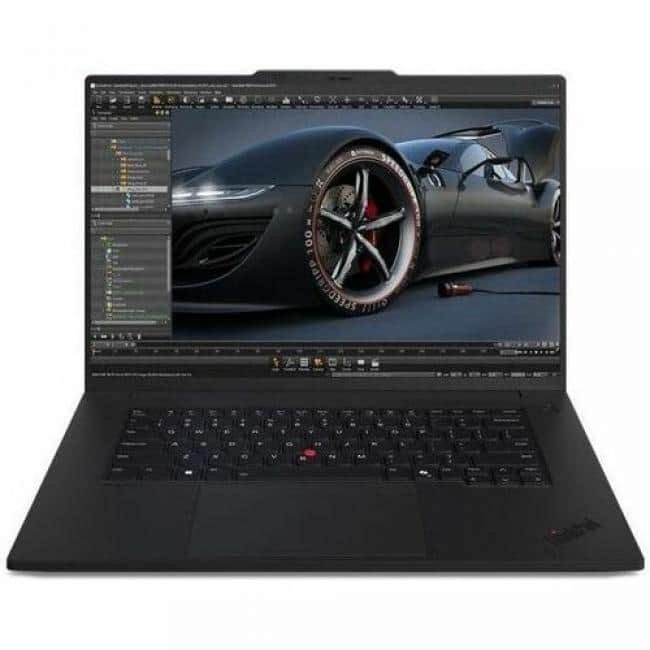
For those who need a more mobile, professional-grade workstation, the Lenovo ThinkPad P1 Gen 7 is the reliable choice. It features ISV-certified graphics (RTX 2000 Ada) which ensures stability in software like Premiere Pro or DaVinci Resolve. The trade-off is the slim chassis, which can lead to thermal throttling after about ten minutes of peak rendering.

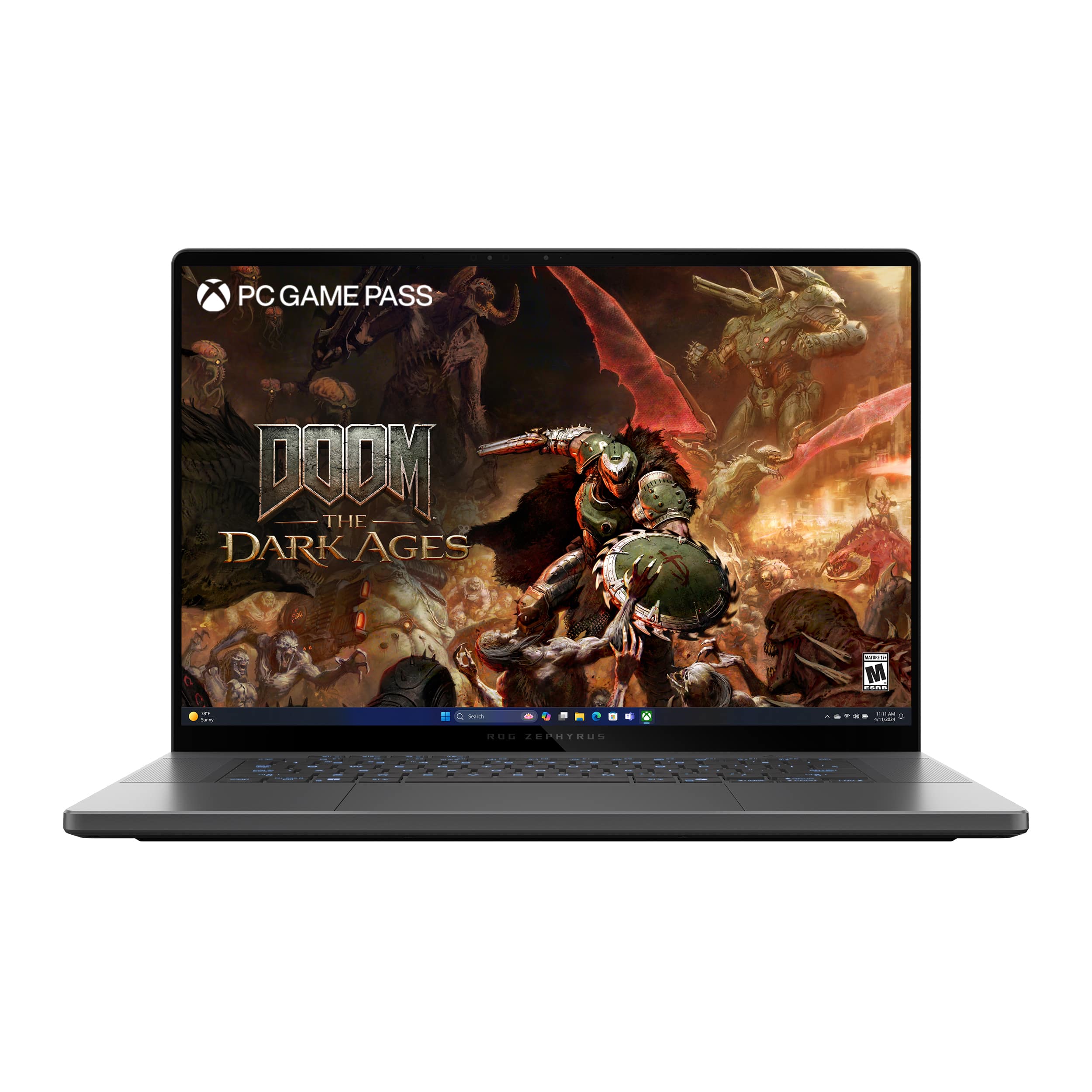
The ASUS - ROG Zephyrus G16 is a great middle-ground if you want a high-refresh 240Hz OLED display for both editing and gaming, though the 32GB of RAM is less headroom than the ProArt's 64GB.
Top Picks

Our top recommendations

ASUS ProArt P16 16" 4K Touch Screen Laptop - Copilot+ PC - AMD Ryzen AI 9 HX 370 - 64GB Memory - RTX 5070 - 2TB SSD - Nano Black
Best Overall

ASUS · Best Buy

ASUS ProArt P16 16" 4K Touch S

$2,880

★★★★★4.5
  • NVIDIA GeForce RTX 5070
  • 64GB RAM
MSI Titan 18 HX AI A2XWJG 18" UHD+ Mini LED 120Hz, Gaming Laptop Computer - Core Black, Intel Core Ultra 9 285HX 2.1GHz; NVIDIA GeForce RXT 5090 GPU 24GB GDDR7; 64GB DDR5 RAM; 2 x 2TB NVMe SSD

MSI · Amazon

MSI Titan 18 HX AI A2XWJG 18"

$6,295

★★★★★4.7
  • Intel Core Ultra 9 285HX
  • 24GB RTX 5090 GPU
ASUS - ROG Zephyrus G16 16" OLED 2.5K 240Hz Gaming Laptop - Intel Core Ultra 9 - 32GB RAM - NVIDIA RTX 5070 Ti - 1TB SSD - Eclipse Gray

ASUS · Best Buy

ROG Zephyrus G16 16" OLED 2.5K

$2,630

★★★★★4.5
  • 16-inch 2.5K OLED Display
  • 32GB LPDDR5X RAM
ASUS ProArt P16 Laptop 16.0 4K
Best Value

ASUS · Best Buy

ASUS ProArt P16

$2,800

  • Ryzen AI 9 HX 370
  • RTX 5070 Dedicated Graphics
Dell XPS 16 9640 16.3" Touchscreen Notebook - UHD+ - Intel Core Ultra 9 185H - 32 GB - 1 TB SSD - English Keyboard - Platinum

Dell · Amazon

Dell XPS 16 9640 16.3" Touchsc

$3,999

★★★★★4.5
  • Intel Core Ultra 9 185H
  • NVIDIA RTX 4060 8GB
Lenovo - ThinkPad P1 Gen 7 21KV0000US 16" Mobile Workstation - WQXGA - Intel Core Ultra 7 155H - Intel Evo Platform - 32 G - Black

Lenovo · Best Buy

ThinkPad P1 Gen 7 21KV0000US 1

$4,240

  • ISV-Certified Professional Graphics
  • 32GB RAM

Specs

How they compare

Key specs for the top 6 models tested.

To help you decide, I've broken down how these six high-performance machines stack up across the specs that actually impact your workflow and portability.

The ASUS ProArt P16 (64GB model) is the clear winner for value and creative work—it offers the most RAM and storage for the lowest price, plus a dedicated DialPad for editing. If you need raw, uncompromised power for 3D rendering or 8K video, the MSI Titan 18 HX is in a league of its own with that RTX 5090, though it's essentially a desktop you can occasionally move.

For those who want a "do-it-all" machine, the ASUS ROG Zephyrus G16 balances a high-refresh 240Hz screen for gaming with a very capable RTX 5070 Ti. The Dell XPS 16 and Lenovo ThinkPad P1 are premium professional choices, but they trade some raw GPU specs for build quality and workstation certifications, respectively.

Specification comparison of 6 products
LaptopsPriceColorGPU BrandGPU VRAMGraphicsGraphics TypeOperating SystemProcessorProcessor Brand
ASUS ProArt P16 16" 4K Touch Screen Laptop - Copilot+ PC - AMD Ryzen AI 9 HX 370 - 64GB Memory - RTX 5070 - 2TB SSD - Nano Black
ASUS ProArt P16 16" 4K Touch S$2,880Nano BlackNVIDIA8 gigabytesNVIDIA GeForce RTX 5070DedicatedWindows 11 ProAMD Ryzen AI 9 HX 370AMD
MSI Titan 18 HX AI A2XWJG 18" UHD+ Mini LED 120Hz, Gaming Laptop Computer - Core Black, Intel Core Ultra 9 285HX 2.1GHz; NVIDIA GeForce RXT 5090 GPU 24GB GDDR7; 64GB DDR5 RAM; 2 x 2TB NVMe SSD
MSI Titan 18 HX AI A2XWJG 18"$6,295BlackNVIDIA24 gigabytesNVIDIA GeForce RXT 5090 GPUDedicatedWindows 11 ProIntel Core Ultra 9 285HXIntel
ASUS - ROG Zephyrus G16 16" OLED 2.5K 240Hz Gaming Laptop - Intel Core Ultra 9 - 32GB RAM - NVIDIA RTX 5070 Ti - 1TB SSD - Eclipse Gray
ROG Zephyrus G16 16" OLED 2.5K$2,630Eclipse GrayNVIDIA16 gigabytesNVIDIA GeForce RTX 5070 TiDedicatedWindows 11 HomeIntel Core Ultra 9 Series 2Intel
ASUS ProArt P16 Laptop 16.0 4K
ASUS ProArt P16$2,800Nano BlackNVIDIA8 gigabytesNVIDIA GeForce RTX 5070DedicatedWindows 11 HomeAMD Ryzen AI 9 HX 370AMD
Dell XPS 16 9640 16.3" Touchscreen Notebook - UHD+ - Intel Core Ultra 9 185H - 32 GB - 1 TB SSD - English Keyboard - Platinum
Dell XPS 16 9640 16.3" Touchsc$3,999PlatinumNVIDIA8 gigabytesNVIDIA GeForce RTX 4060DedicatedWindows 11 ProIntel Core Ultra 9 185HIntel
Lenovo - ThinkPad P1 Gen 7 21KV0000US 16" Mobile Workstation - WQXGA - Intel Core Ultra 7 155H - Intel Evo Platform - 32 G - Black
ThinkPad P1 Gen 7 21KV0000US 1$4,240BlackNVIDIA8 gigabytesNVIDIA RTX 2000 Ada GenerationDedicatedWindows 11 ProIntel Core Ultra 7 Series 1Intel

FAQ

Common questions, answered

For 1080p editing, 16GB is the minimum. For 4K editing, 32GB is recommended. If you work with 8K footage, multi-cam timelines, or complex After Effects compositions, 64GB will prevent timeline stuttering and improve render times significantly.

Need help deciding?

Ask AI